The Code Theme
A minimal, developer-focused theme with Tailwind v4, dark mode, CSS-mask icons, syntax highlighting, and table of contents.
Screenshots
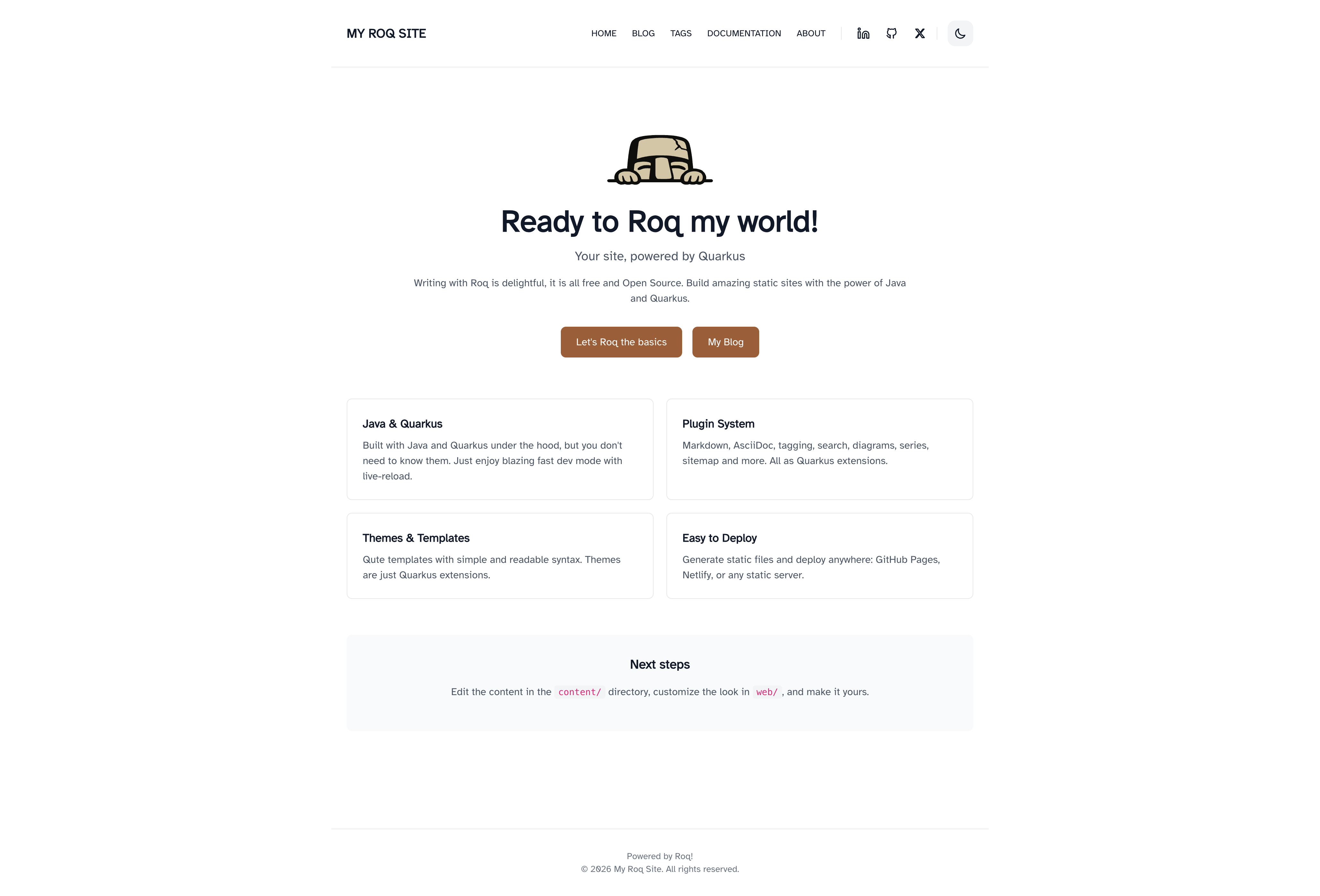
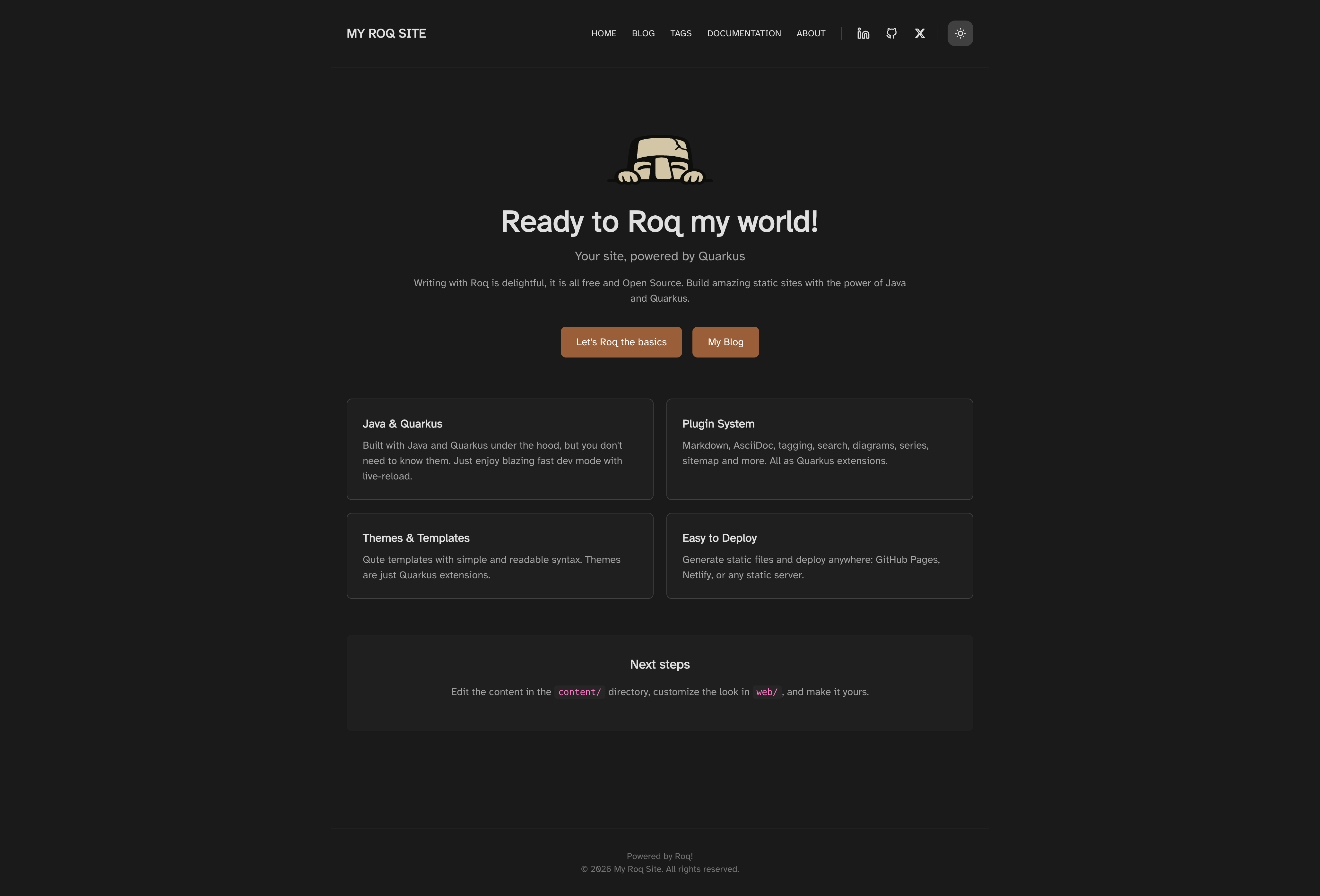
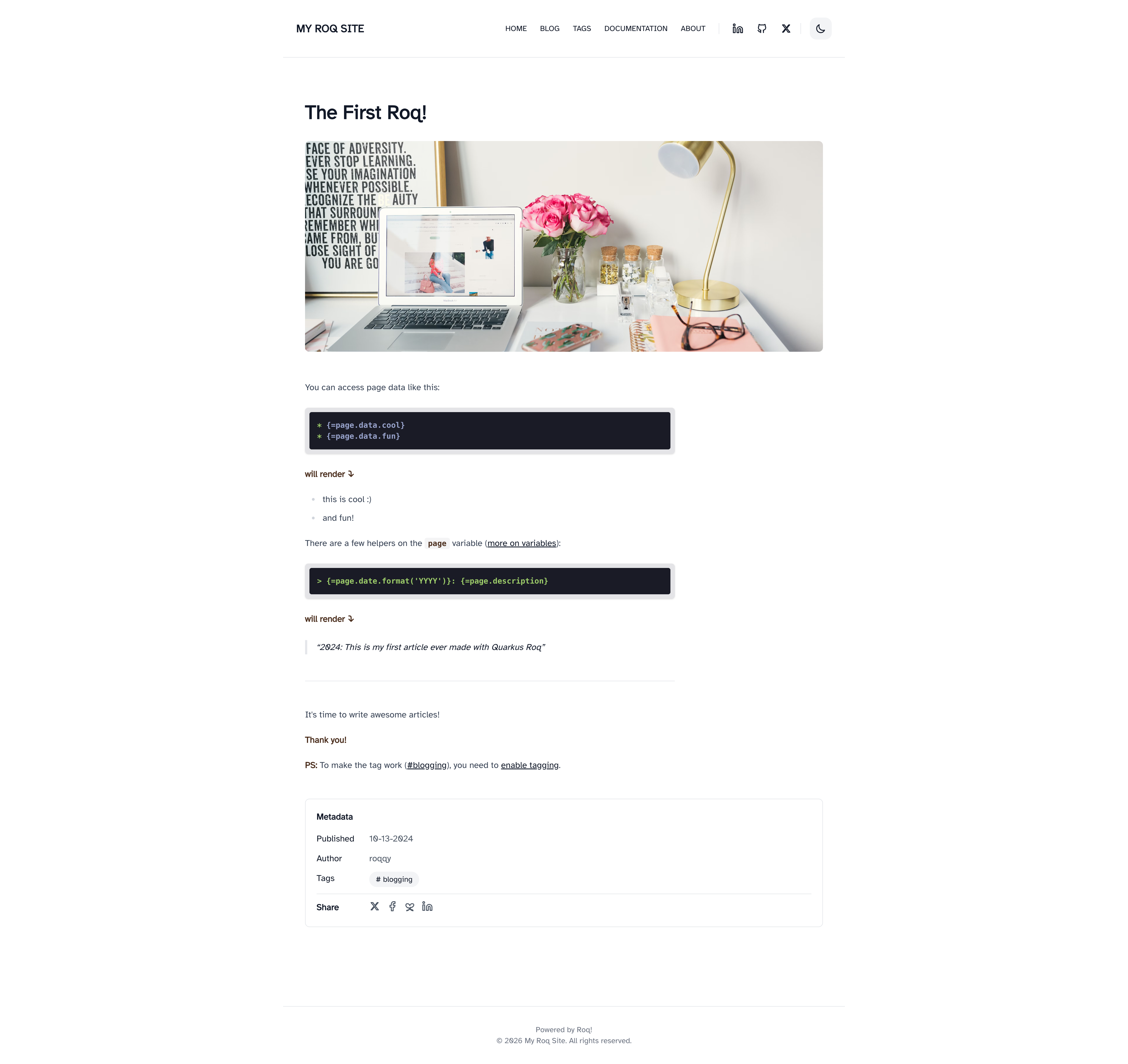
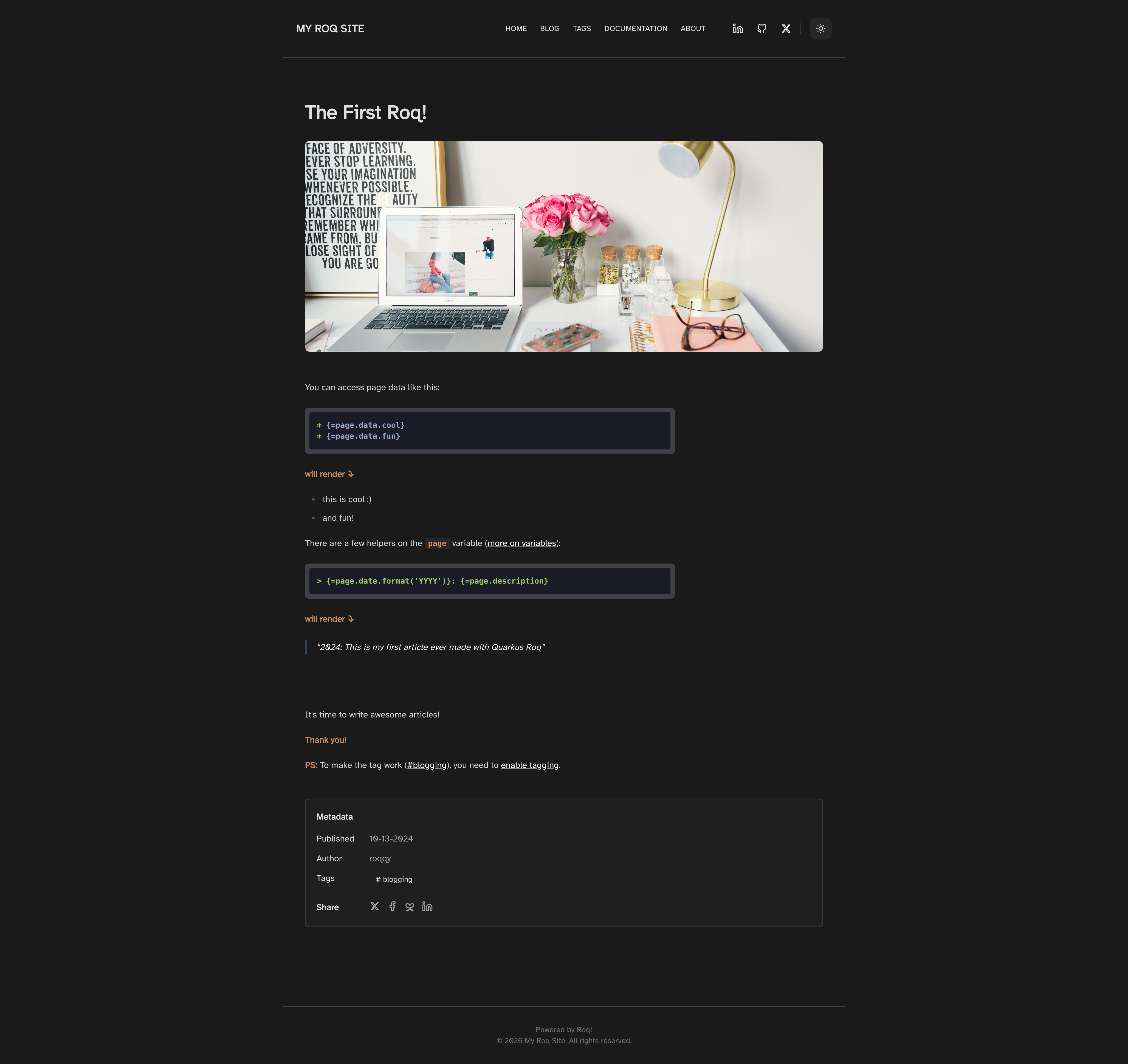
Install
Usage
A minimal, developer-focused Roq theme designed for technical blogs. Built with Tailwind CSS v4, featuring dark mode, CSS-mask icons (no FontAwesome dependency), highlight.js syntax highlighting, table of contents, and Atkinson Hyperlegible font for readability.
Site Data
Configure your site through the index page frontmatter (e.g. content/index.html):
| Key | Description |
|---|---|
title |
Site title displayed in the header |
description |
Site description for SEO |
Social Brands
Add social media links to your site through the index page frontmatter:
social-github: quarkiverse
social-twitter: quarkusio
social-linkedin: john-doe
social-mastodon: https://mastodon.social/@username
Available keys: social-x, social-twitter, social-github, social-linkedin, social-linkedin-company, social-facebook, social-youtube, social-discord, social-email, social-bluesky, social-mastodon, social-slack, social-whatsapp, social-instagram, social-telegram.
For Mastodon and Slack, you must provide the complete URL as these platforms don't have a standard prefix.
Menu
Define navigation in data/menu.yml:
- title: "Home"
  path: "/"
- title: "Blog"
  path: "/blog"
- title: "About"
  path: "/about"
Layouts
default                 // Base HTML structure
├── main                // Shared site layout (header, footer)
│   ├── home            // Home page
│   ├── blog            // Blog listing with pagination
│   ├── page            // Generic page
│   ├── post            // Blog post with metadata and TOC
│   └── tag             // Tag archive page
└── 404                 // Error page
Theme Switching
The Code theme uses the same layout names and shared codestart as the default theme. To switch, just swap the Maven dependency in your pom.xml:
<!-- Replace quarkus-roq-theme-default with: -->
<artifactId>quarkus-roq-theme-the-code</artifactId>
Your pages, posts, and data files work with both themes out of the box. If you have customized partials or CSS, some adjustments may be needed to match the new theme's structure.
Features
- Dark mode: built-in toggle with system preference detection and
localStoragepersistence - CSS-mask icons: lightweight SVG icons with no external font dependency
- Syntax highlighting: highlight.js with theme-aware styling
- Table of contents: auto-generated from headings on post pages
- Share links: X, Facebook, Bluesky, and LinkedIn share buttons on posts
- Pagination: built-in pagination for blog listings
- Responsive: mobile-first with hamburger menu
- Shared user tags: postCard, hero, featureCard, and authorCard work across both themes
Qute User-Tags
roq/hero
Hero section for the home page.
{#roq/hero}
  {#title}My Site{/title}
  {#tagline}A tagline for my site{/tagline}
{/roq/hero}
roq/featureCard
Feature card for the home page.
{#roq/featureCard title="Fast"}
  Feature description here.
{/roq/featureCard}
roq/postCard
Blog post preview card.
{#roq/postCard post=myPost /}
roq/authorCard
Author profile card.
{#roq/authorCard name="Ada Lovelace" avatar="ada.png" nickname="ada"}
  Author bio here.
{/roq/authorCard}
CSS Customization
Create a web/_custom.css file in your site to override theme styles. The file is processed by Tailwind, so you can use Tailwind utilities and @apply.
SEO
The theme includes built-in SEO support with meta tags, Open Graph, Twitter cards, and favicon auto-discovery via the {#seo /} tag.