Resume Theme
theme
Source
Build a polished personal resume or CV from simple YAML data files
Screenshots
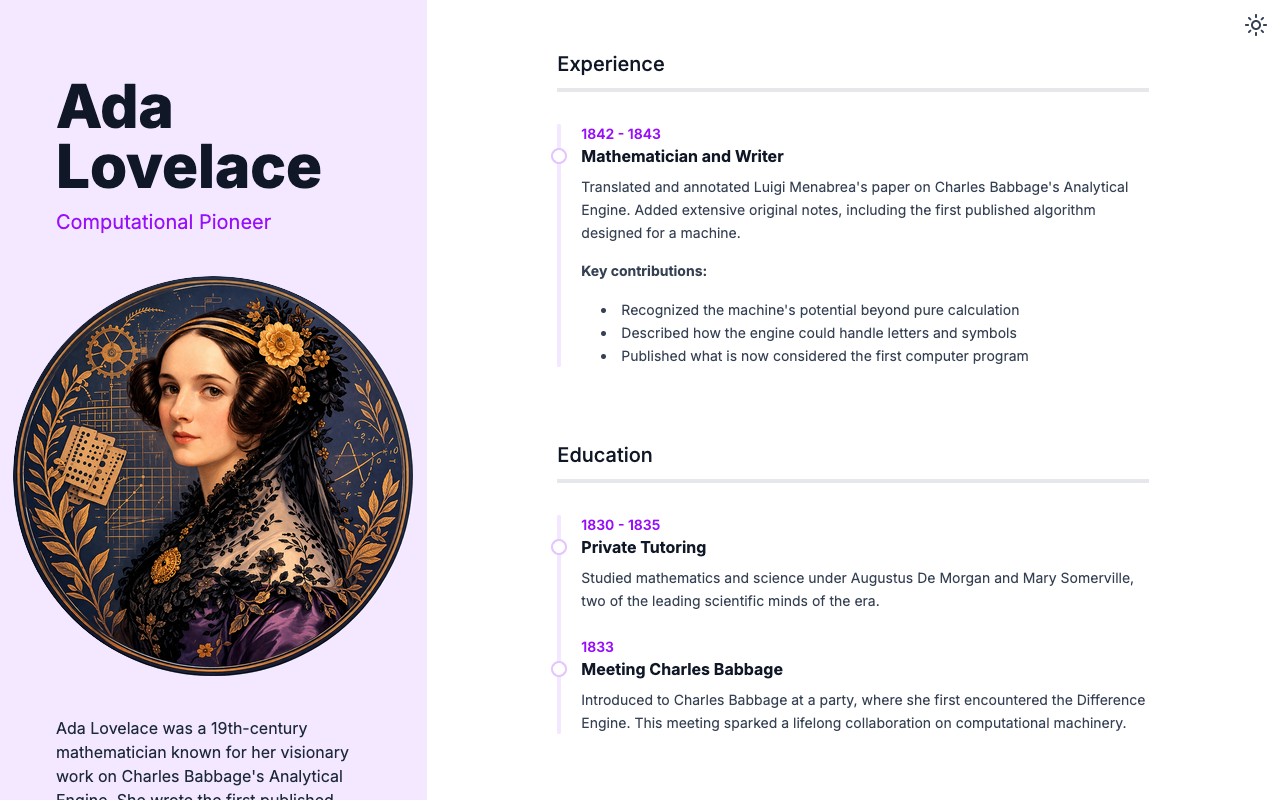
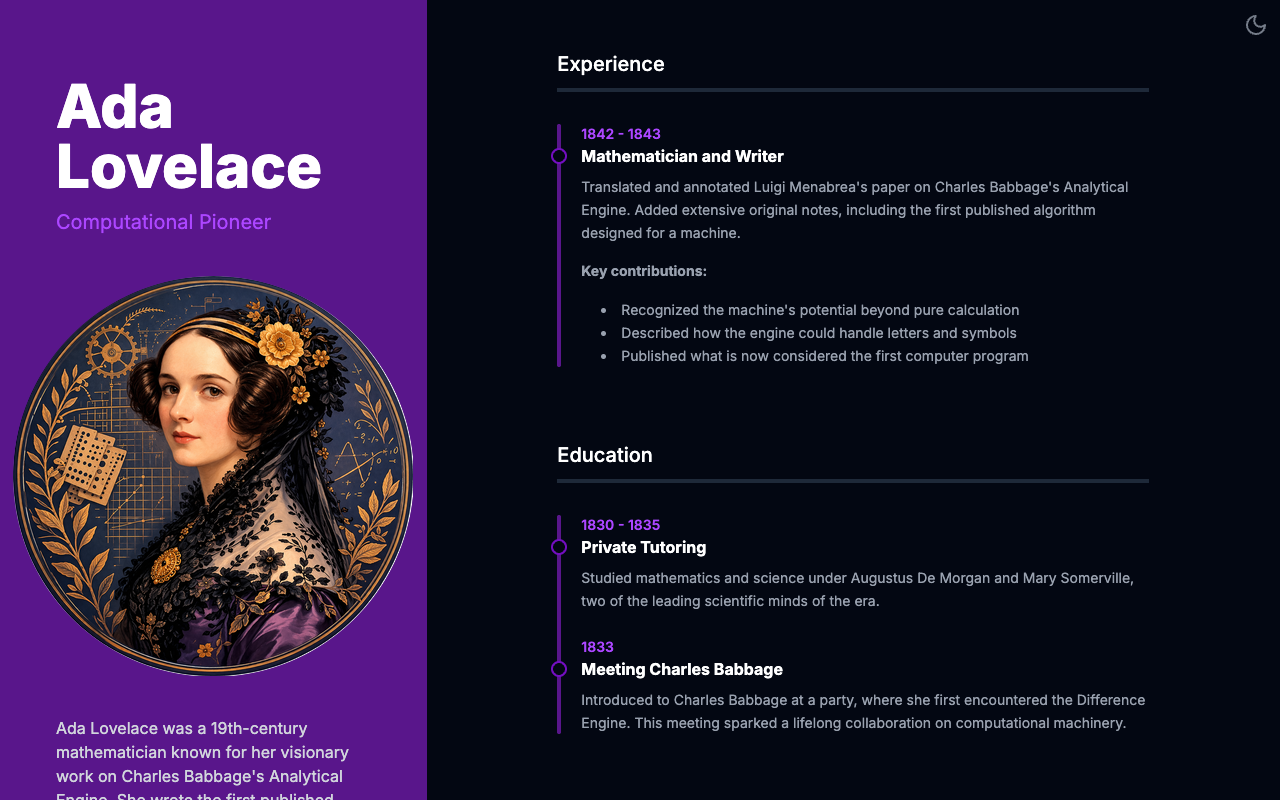
Install
$ roq create -x theme:resume
Usage
Build a personal resume or CV with a data-driven YAML configuration.
Data Files
Add your resume info in the data/ directory:
profile.yml
firstName: Ada
lastName: Lovelace
jobTitle: Computational Pioneer
city: London
country: United Kingdom
bio: |
  Ada Lovelace was a 19th-century mathematician known for her
  visionary work on Charles Babbage's Analytical Engine.
bio.yml
- title: Experience
  items:
    - header: "1842 - 1843"
      title: "Mathematician · Self-initiated · London"
      content: |
        Translated and annotated Luigi Menabrea's paper on Charles
        Babbage's Analytical Engine. Added extensive original notes,
        including the first published algorithm designed for a machine.

- title: Education
  items:
    - header: "1830 - 1835"
      title: "Private Tutoring"
      content: |
        Studied mathematics and science under Augustus De Morgan
        and Mary Somerville.
The bio data supports hierarchical items with subItems, collapsible/collapsed flags, ruler separators, and logo objects with label, imageUrl, and link.
social.yml
- name: LinkedIn
  url: https://www.linkedin.com/in/ada-lovelace/
- name: X
  url: https://x.com/ada-lovelace
Color Themes
The theme comes with 6 pre-configured color schemes (Purple, Blue, Emerald, Amber, Rose, Cyan). To use an alternate theme, import it in your web/style.css:
/* Available: _theme-blue.css, _theme-emerald.css, _theme-amber.css,
   _theme-rose.css, _theme-cyan.css */
@import "./_theme-blue.css";
You can also create a custom color scheme by overriding the theme variables. The theme uses Tailwind CSS v4 color palettes.